
Create a wedding website your guests will actually use
Invitation, RSVP, schedule and directions on one personal page. You build the whole wedding website yourself in the editor, no web agency needed.
Choose your starting point
Real examples to start from, then make it exactly your own.
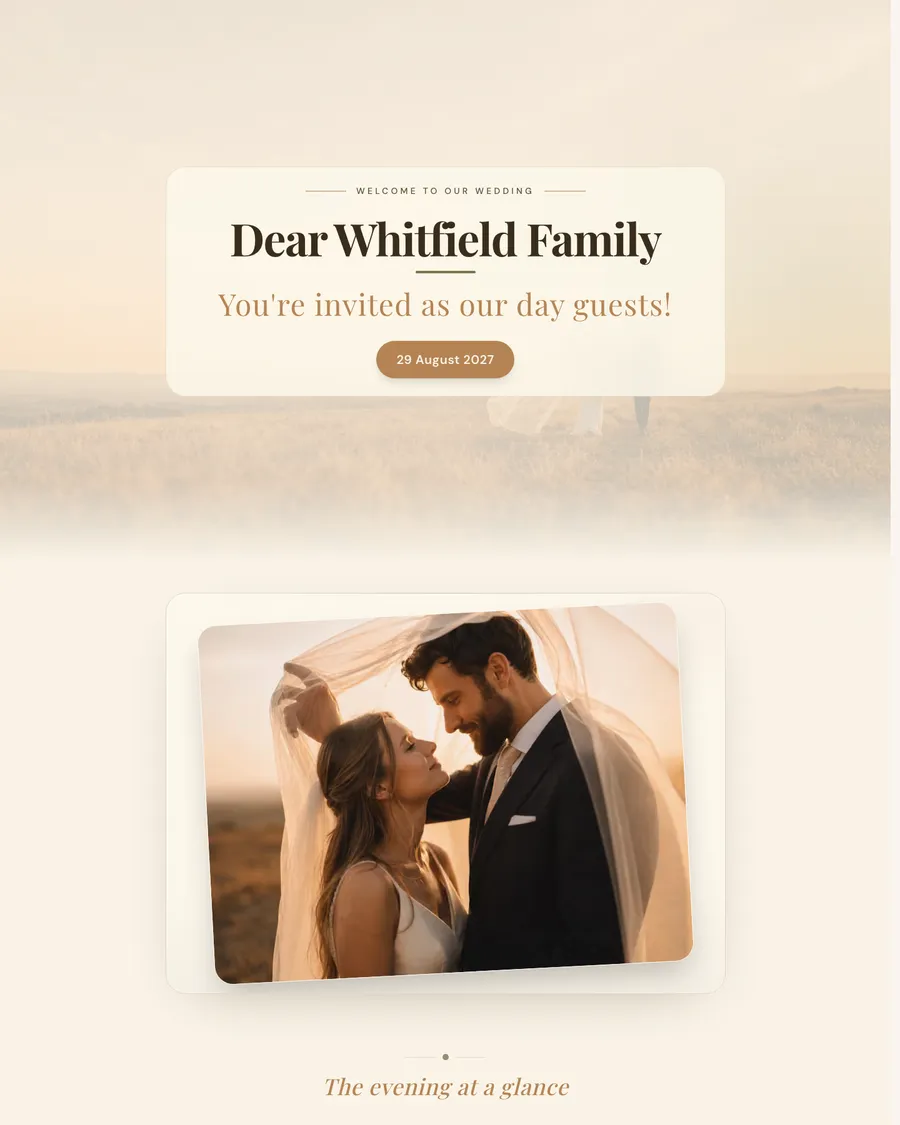
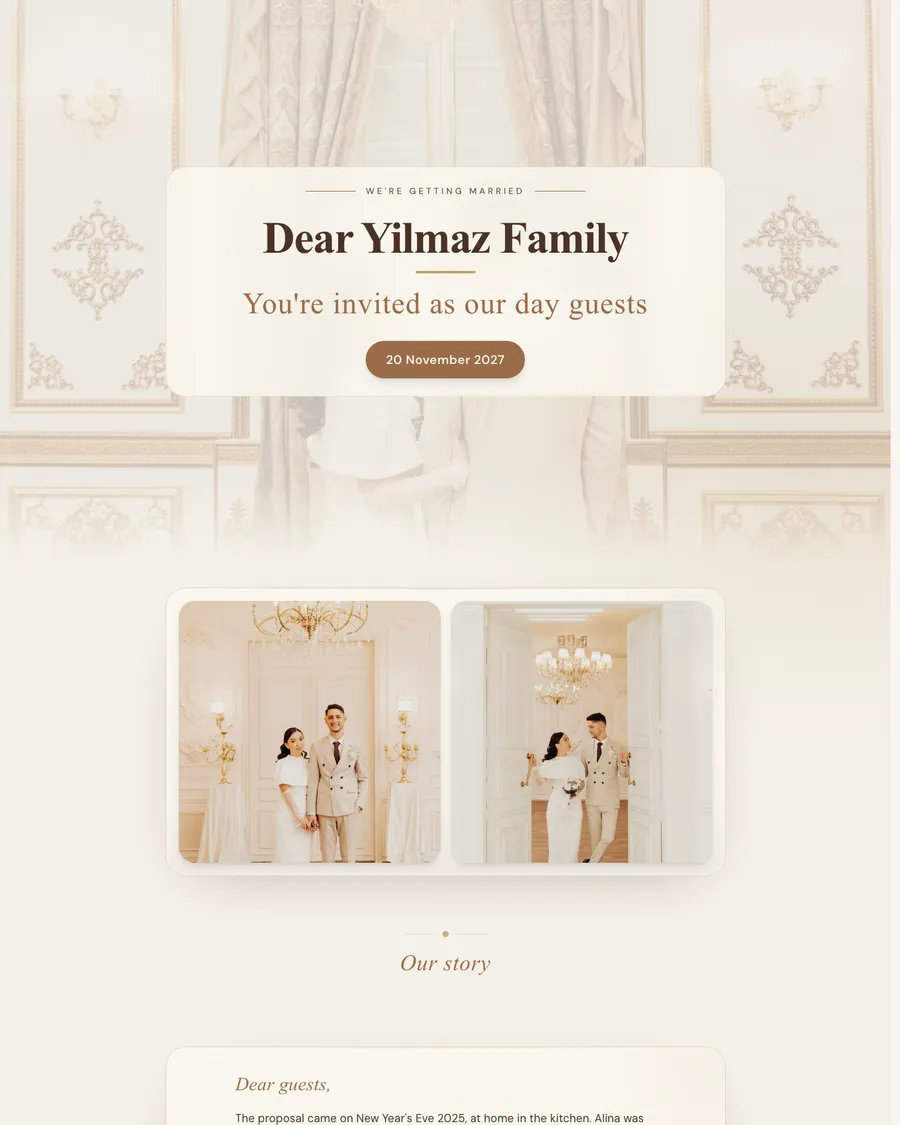
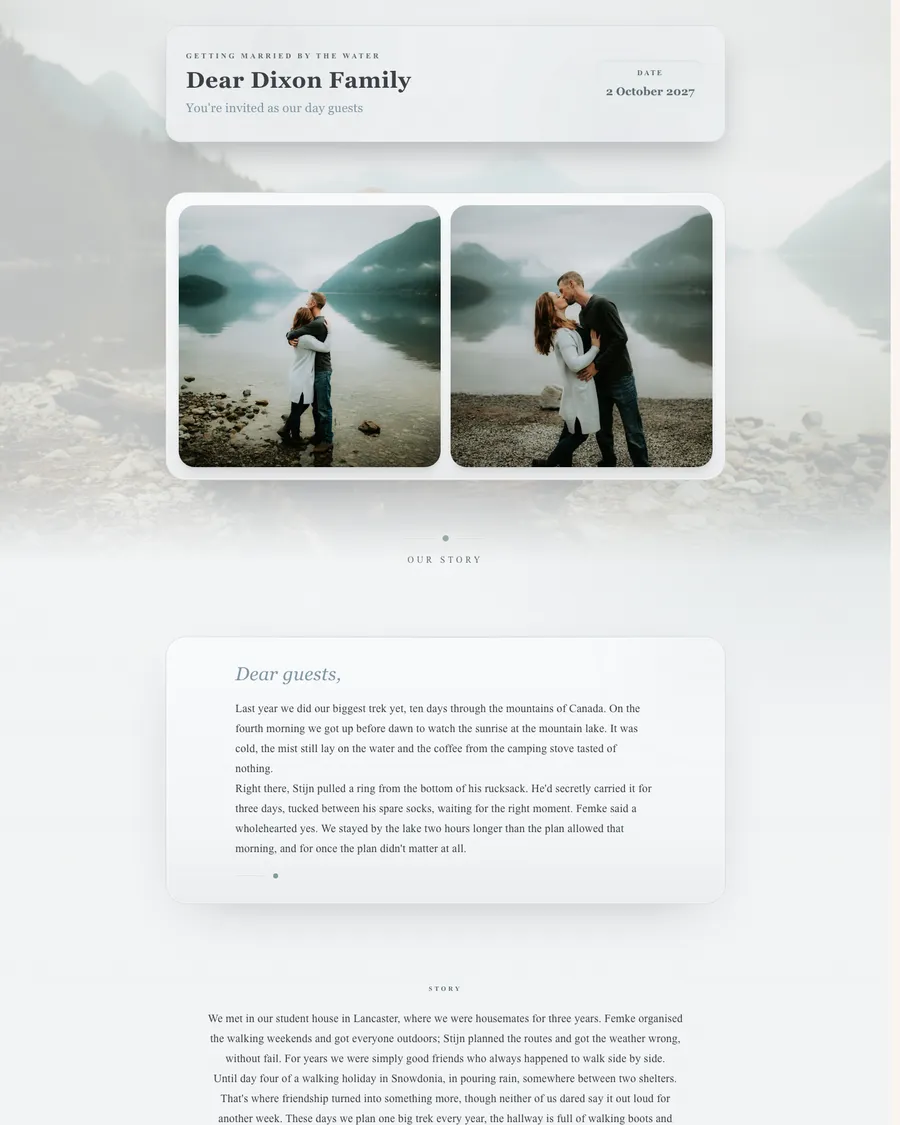
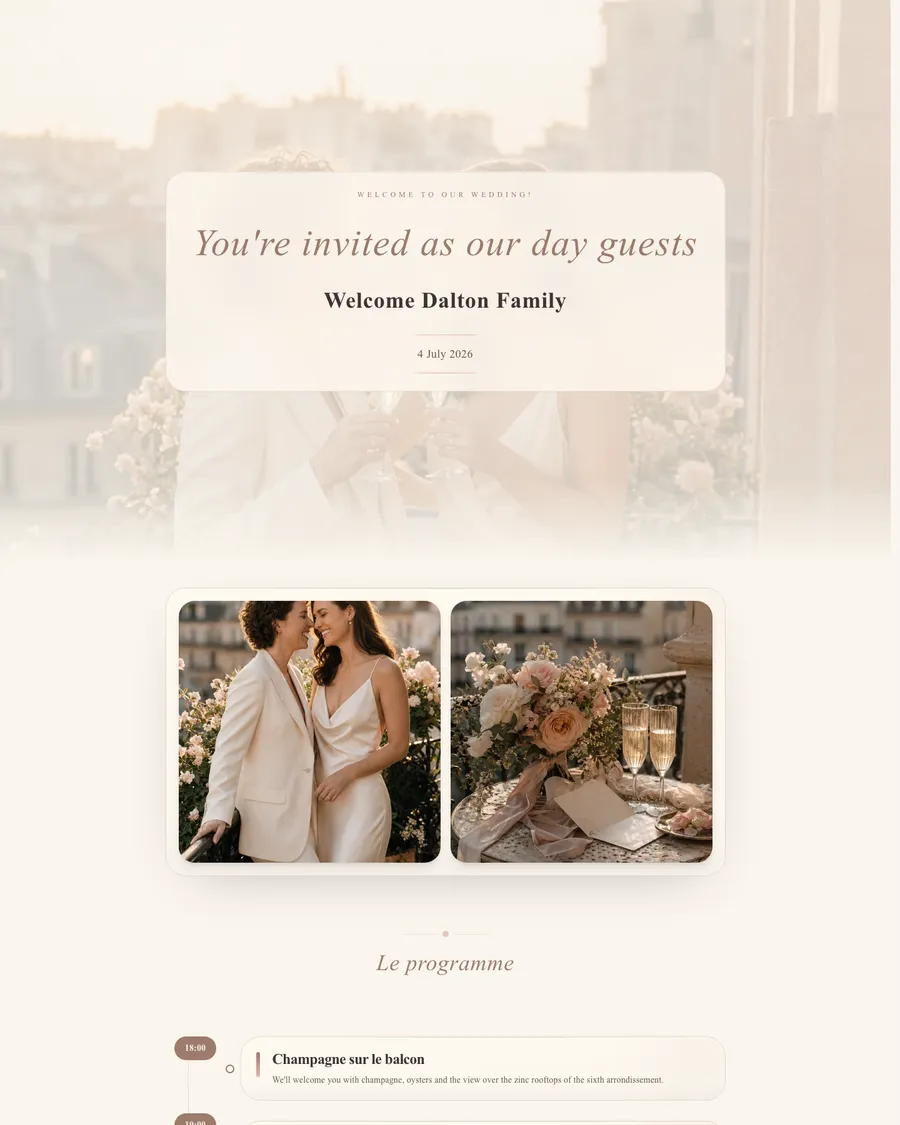
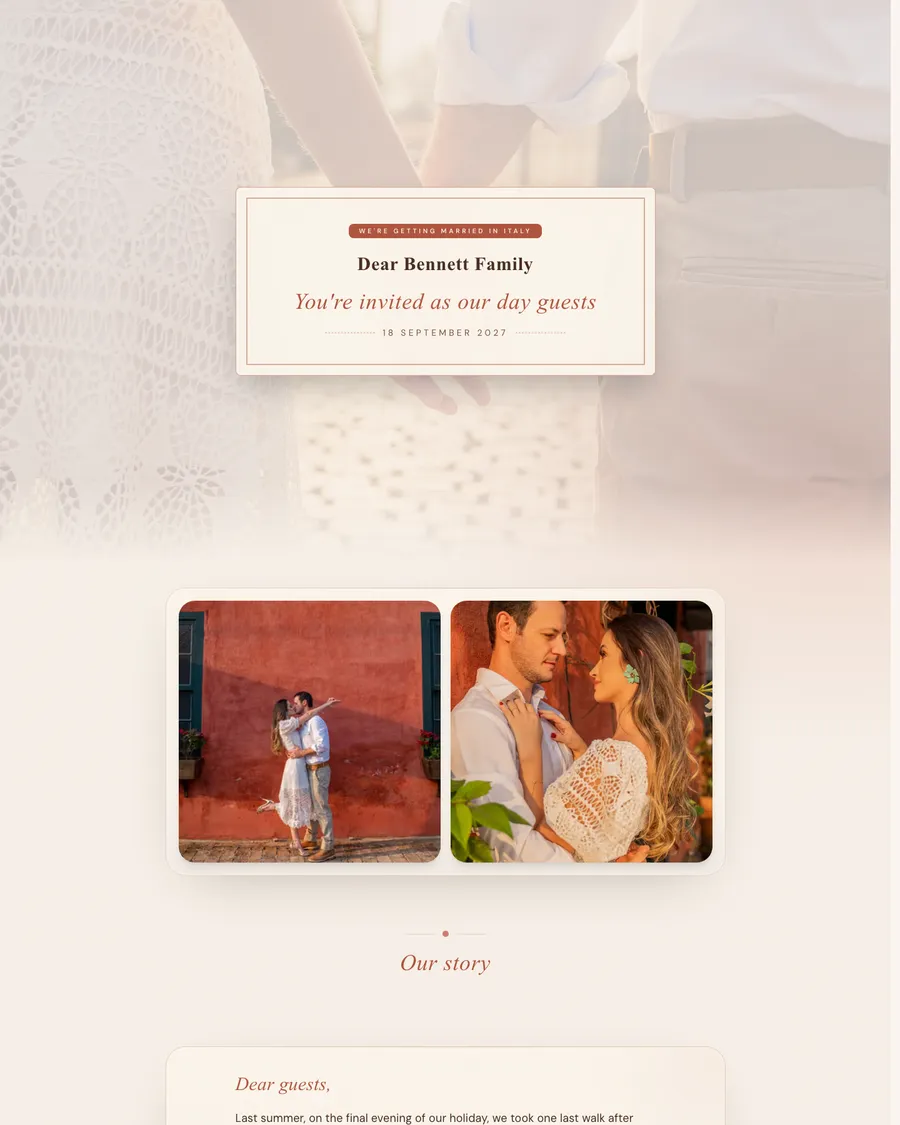
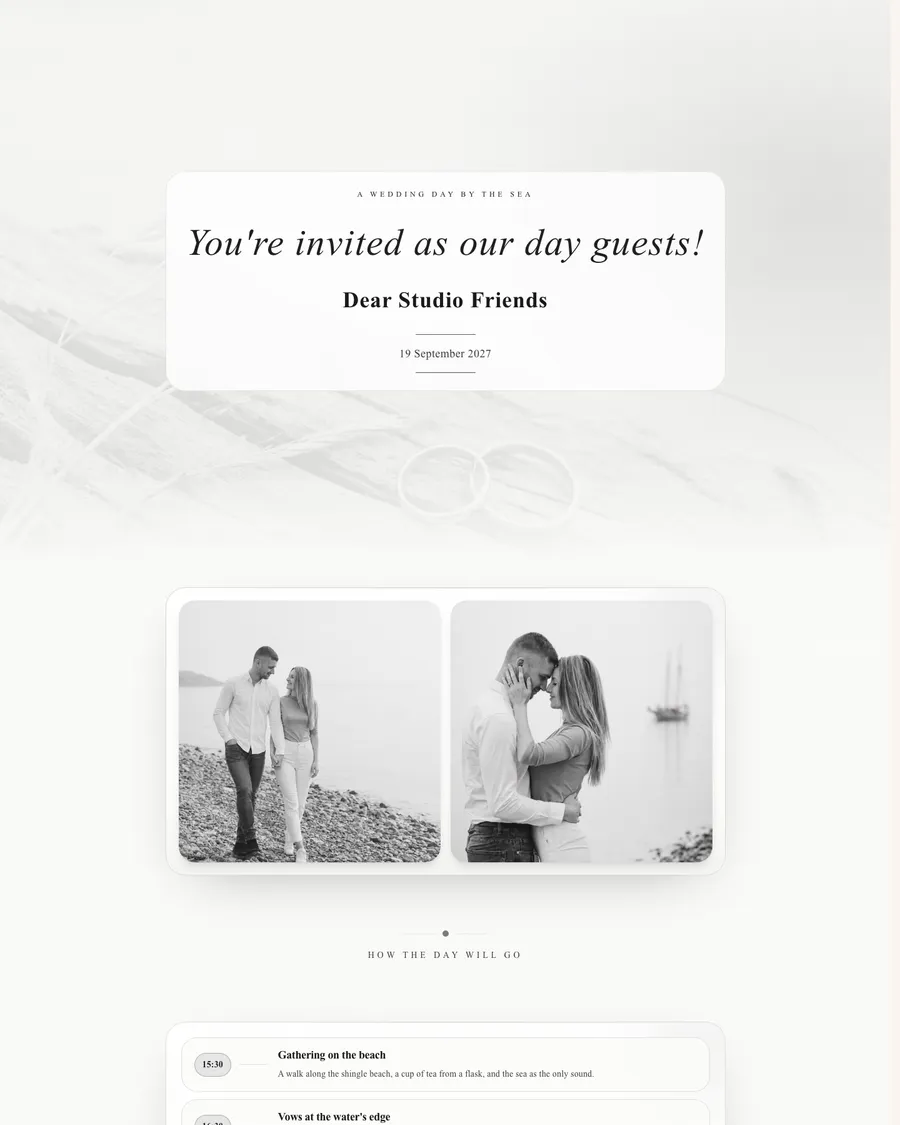
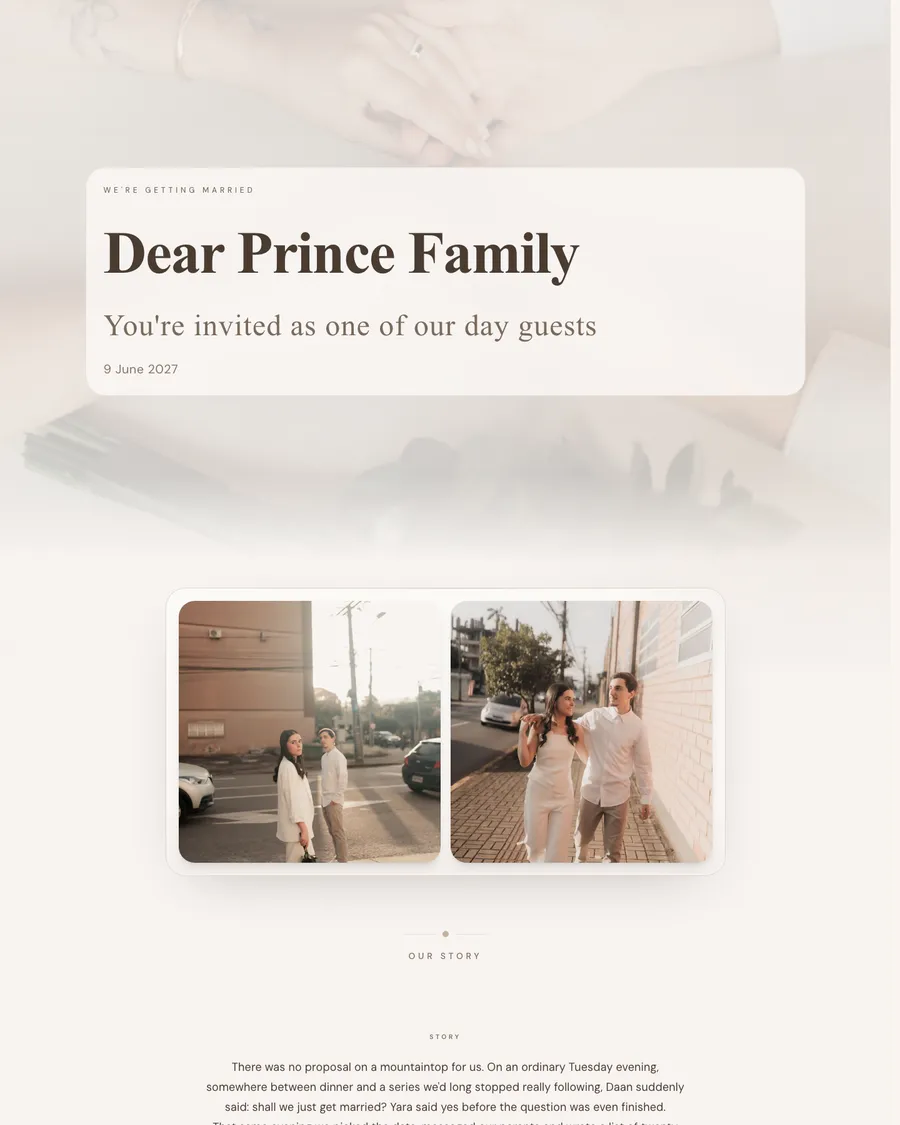
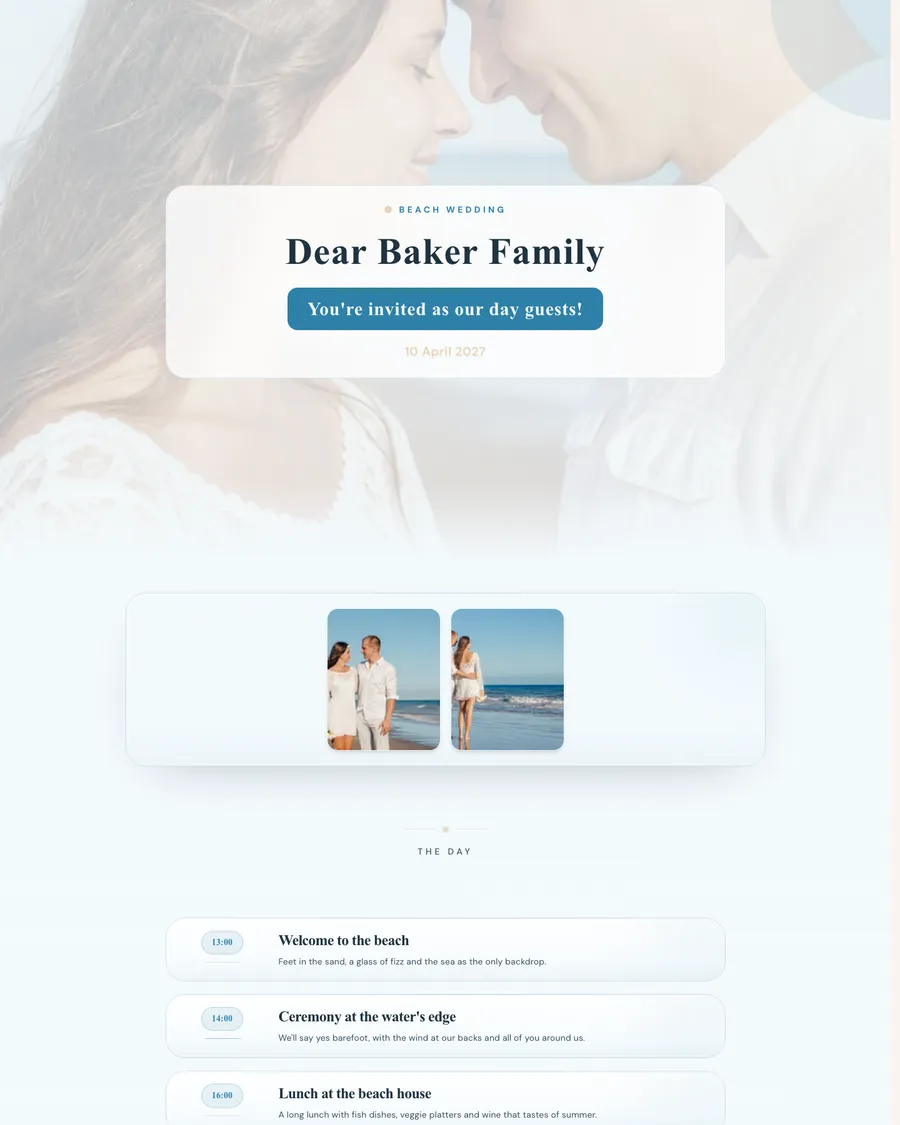
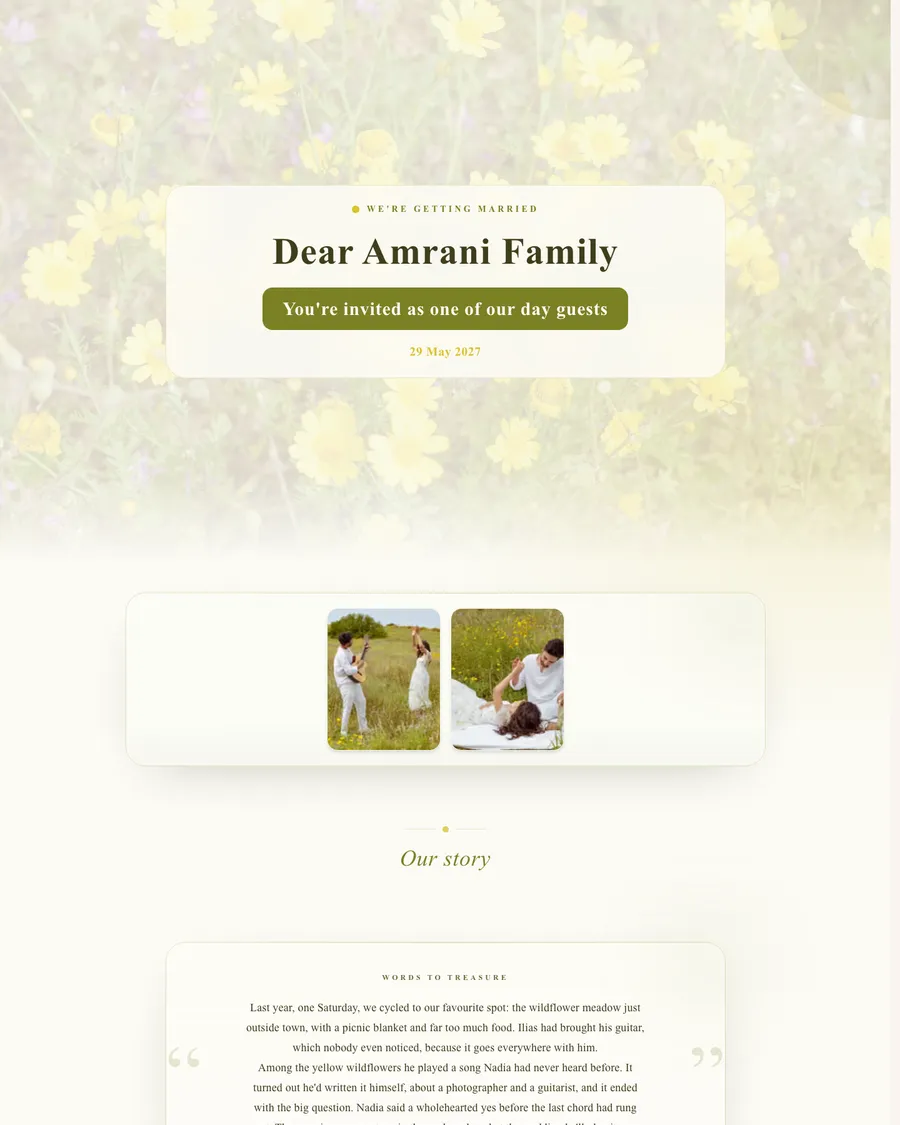
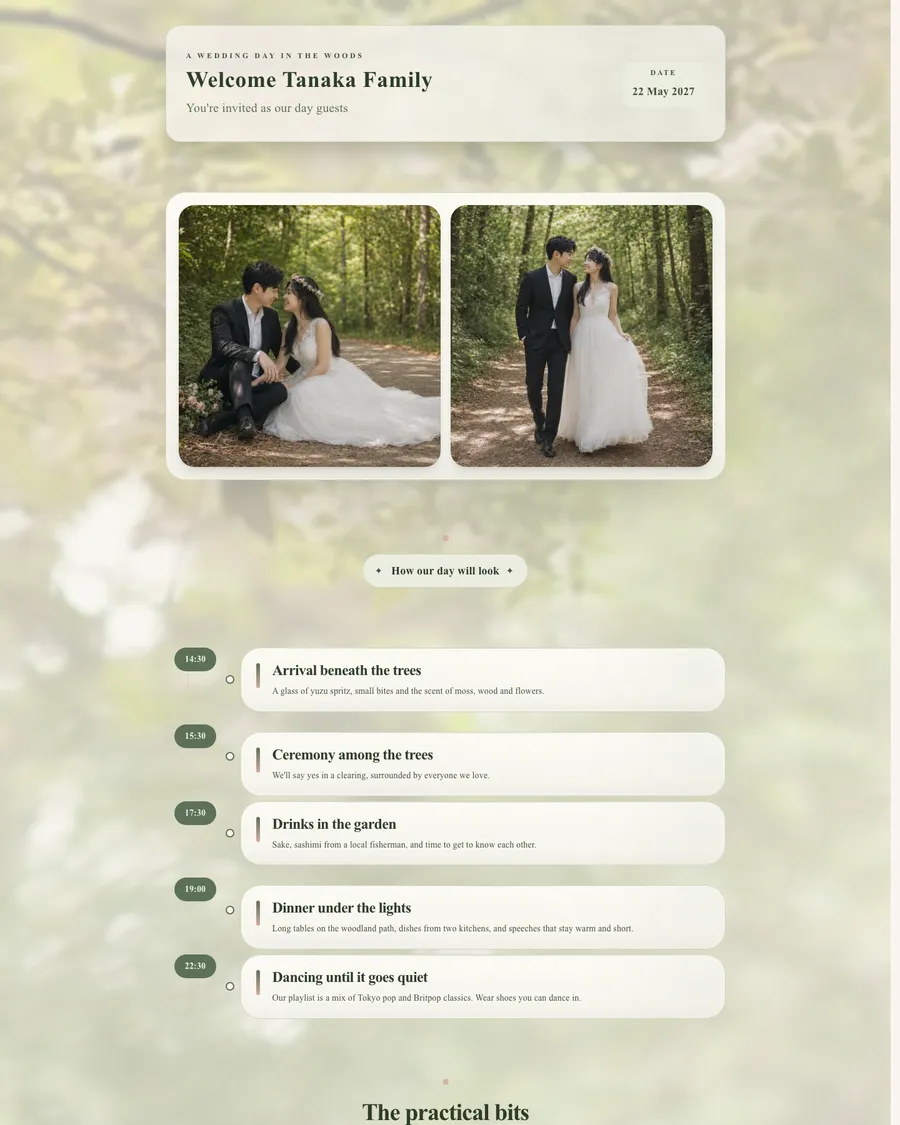
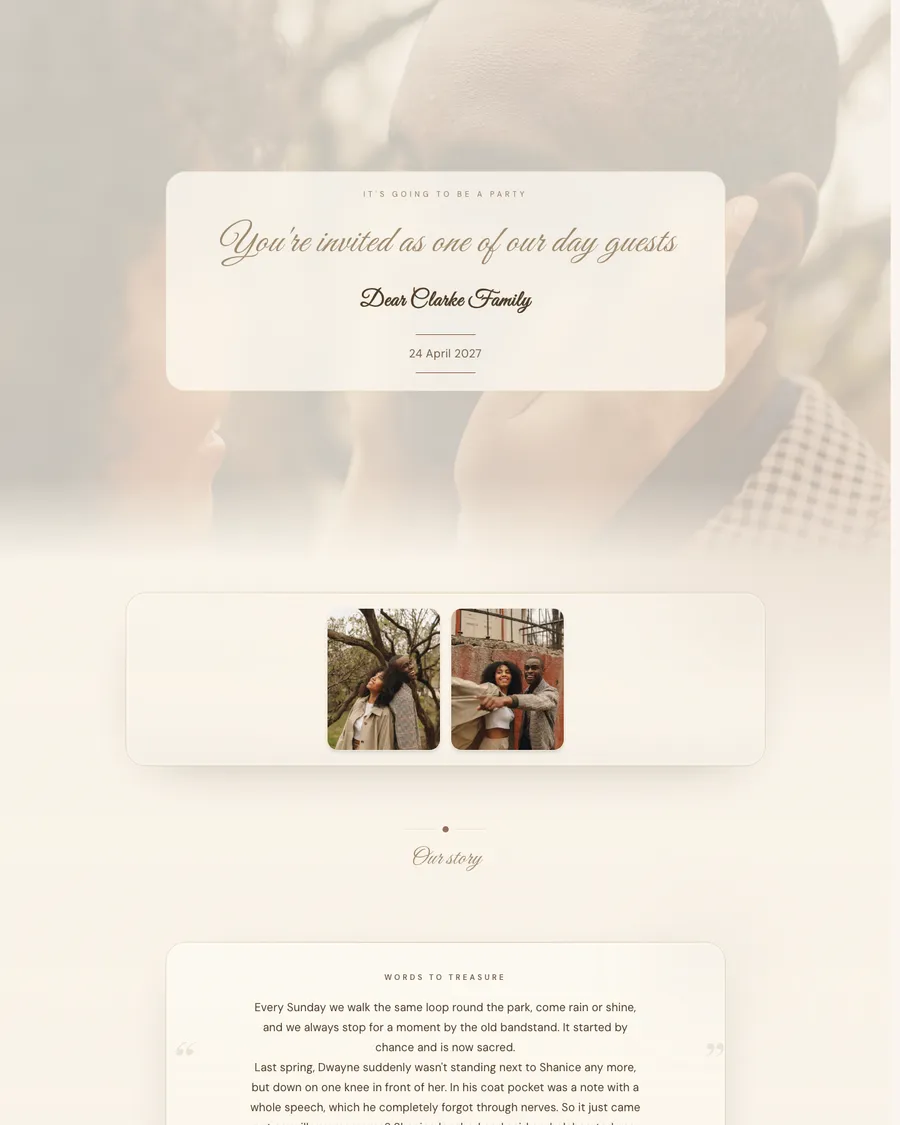
Refined & goldenNoor & LindeRomantic spring weddingSuzan & FreekHavana night invitationRick & FleurCity-chic invitationMila & GertjanSerene & minimalHaruki & MeiEditorial & distinctiveThomas & AnoukGolden hall, two familiesEmre & AlinaSmall, intentional, completeYara & DaanSouthern invitationIsa & BramAn invitation in the meadowNadia & IliasA hushed invitationFemke & StijnAn invitation with a dance floorShanice & DwayneMake your own wedding website, no web agency needed
A wedding website is one personal page where your guests find everything about your wedding: the invitation, the schedule, the venue with directions, the dress code and their own RSVP. Wedding site, wedding webpage or a website for your wedding: we call it a wedding website, and it's always the same thing. Guests no longer need to message you to ask what time it starts, because the answer is on one link that's always right.
A web agency will happily build a site like this for you, but at agency prices and with waiting lists. In the Lovitations editor you do it yourselves. You choose an example that suits you, answer a few questions about the day, and the editor sets up the page, with words you only need to put your own spin on. From dream to live takes about 60 minutes, and after that you can change every colour, every photo and every sentence as often as you like.
No code, hosting or plug-ins involved, and if you get stuck, a real person will take a look. Building and trying things out is free and needs no account; you only pay when the site goes live and guests can open it. An example is a starting point, not a template you're stuck with, so two couples who start from the same example end up with different sites.
The page also grows with your planning, from engagement to save the date to the full invitation with RSVP. Guests keep one link that's right from start to finish, and if anything changes, they automatically see the latest version.
What goes on a wedding website?
The rule of thumb is simple: anything guests would otherwise message you about belongs on the site. For almost every wedding, that comes down to these sections.
- Names and date: at the top, with a warm welcome, so guests can see straight away what it's about.
- Your story: a few sentences about how you met or why you want to celebrate this day the way you do.
- Schedule with times: from the welcome drinks to the last dance, with a version of its own for day guests and for evening guests.
- Venue and directions: the address, where guests can park and how to get there by public transport.
- RSVP: whether guests can make it, how many of them and any dietary requirements.
- Accommodation and transport: hotels or B&Bs nearby, a shuttle bus or the last train home.
- Gift ideas or gift list: what you'd love to receive, nicely worded, or a link to your list.
- Dress code and practicalities: what guests should wear and who the point of contact is on the day.
Not sure whether something should go on? Ask yourselves whether a few guests would ask about it. If not, leave it out, because a calm page is much nicer to read on a phone.
Block by block through Mila & Gertjan's wedding website
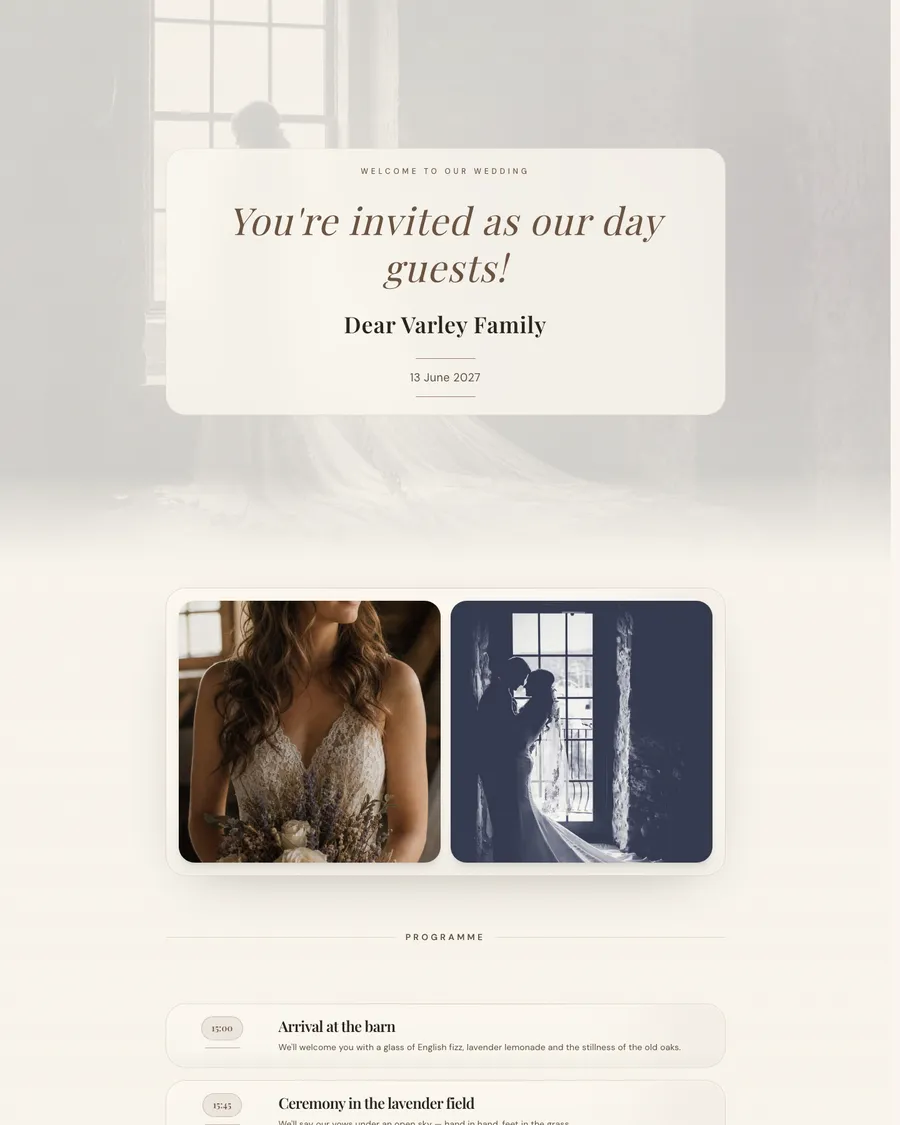
One of the examples above is the wedding website of Mila and Gertjan, one of our demo couples. They're getting married on 13 June 2027 at Hoeve De Bosrand, a farm in Vorden in the east of the Netherlands, and their site is online exactly as a guest sees it, in Dutch. These are the blocks, in the order a guest scrolls through them.
- An envelope with their monogram, an M and a G, which the guest opens first.
- The intro block with “Welkom op onze bruiloft” (welcome to our wedding), the guest's name and a line saying whether they're invited as a day guest or an evening guest, with the date.
- A photo carousel with two images: a warm bridal detail and their silhouette by the window.
- The schedule as a timeline: arrival at the barn at 3pm, the ceremony in the lavender field at 3.45pm, dinner at long linen tables at 5.30pm and fire pits and live music at 9.30pm.
- A practical block with the address, parking in the farmyard and an offer to share a list of lovely B&Bs in the Achterhoek region for anyone travelling from afar.
- A countdown to the afternoon of the wedding.
- The RSVP, “Laat van je horen” (let us know), with five questions: whether the guest is coming, how many people, whether they'd like to stay the night, any dietary requirements and an open field for comments.
The design is clean and urban, with Playfair Display for the headings, DM Sans for the body text and warm brown and soft mauve on a cream background. They don't need more blocks than that: after one scroll, a guest knows where to be, when, and what they still need to let the couple know.
Click through Mila & Gertjan's wedding website yourselves, using the personal link of their day guests, the Vermeer family.
A personal link for every guest
With a Lovitations wedding website, every guest or household gets a personal link. Whoever opens it is greeted by name and sees straight away the version of the site meant for them. Day guests see the ceremony, dinner and party; evening guests only what happens in the evening, in the same style and with the same warmth. That way nobody reads a schedule they're not part of, and you don't have to keep two invitations or two websites up to date.
The personal page is protected with a PIN for each guest. The PIN is already in the link you share, so guests tap it and they're in; anyone who opens the site without the code enters the PIN first. Prefer one link per group? Then you share one link for day guests and one for evening guests, and guests confirm their reply with their email address.
You share it by WhatsApp, email or a QR code on a printed card. Guests don't need to install anything or create an account; the site simply opens in their phone's browser.
RSVP, guest list and online gift list
Guests let you know on the site itself whether they're coming, how many of them and any dietary requirements, menu choices or allergies. They also say whether they'd like to stay the night and can leave a message or a song request. All the replies come into your own dashboard, so you can see who's coming at any moment, without scattered messages, paper reply slips or a spreadsheet nobody keeps up to date.
That takes care of the guest list too: who's invited, who has replied and who hasn't yet. With the Premium Package you can download that list with all the RSVP details as a file, handy for the caterer or your master of ceremonies.
An online gift list is part of it too. With the Premium Package you add a gift list or a honeymoon fund to the site, with a payment request button next to each wish. That's how Thomas and Anouk ask for a contribution to their honeymoon and to a new garden set. If you'd rather stick to a gift suggestion, that fits in an ordinary text block in every package.
How much does a wedding website cost?
Building is free. You make the whole site in the editor, check it on your phone and only pay when you go live: a one-off €99 for the complete Wedding Website, with no subscription. That includes the full RSVP, day and evening guests each with their own version, a personal link per guest, a photo gallery of up to 25 photos and at least five years online.
If you'd also like an online save the date, a guestbook, the gift list and a downloadable guest list, there's the Premium Package for €149, where you can also add your own domain name if you wish. And if it turns out not to be what you were looking for, you get your money back.
Exactly what's in the package is on the Wedding Website page.